Teacher page · Apollo 11
Teaching with Apollo 11
The Apollo 11 chapter has two parts: a scrubbable journey through the real mission timeline, and a short landing game. Both run in the browser with nothing to install, nothing to sign in to, and nothing collected from students.
Learning goals
- Sequence and scale. Students can place launch, Earth orbit, translunar injection, lunar orbit, landing, and return in order, and explain why the trip took three days each way.
- Forces and motion. Students can explain what an orbit is (falling sideways fast enough to miss), why a lander with no air needs rockets for everything, and how mass changes as fuel burns.
- Reading primary sources. Students can tell the difference between a transcript, a mission report, a photograph, and a later retelling, and find a fact's source on the page.
- Decisions under pressure. Students can describe the 1202 alarm and the low-fuel calls from the evidence, without re-enacting anyone's choices.
Two reading levels
Every phase has text for grades 5–8 and for grades 9–12, over the same scenes and recordings. Choose the level at the top of the page, or link straight to one:
Students can switch at any time. The choice is kept only in that browser.
Projecting to a class
- Use a dark room if you can; the Earth–Moon view and the landing are drawn on black.
- Press Play with the speed set to “1 hour per second” to run the whole mission in about three and a half minutes. Switch to “1 min per second” for launch and landing.
- Page Up and Page Down jump between phases. The timeline slider also takes the arrow keys.
- Each phase's audio plays once when you arrive. The caption bar at the bottom shows the words; the full transcript is further down the page.
- Older projectors and locked-down laptops that cannot draw 3D automatically get the illustrated version with the same text and audio. You can choose it yourself with the “3D view / Text version” button.
- For the landing, plug in a keyboard, or use the on-screen buttons on a touch screen. Guided mode is a good first flight for the whole class; it never fails.
Discussion questions
Grades 5–8
- Why did the rocket come in three pieces? What would happen if it carried its empty tanks all the way?
- The trip to the Moon took three days with the engines off. What was pulling on the spacecraft the whole time?
- Eagle had no wings and no parachute. Why not? What does a parachute need that the Moon doesn't have?
- When the computer alarms went off, Mission Control said “GO” in about thirty seconds. What do you think they needed to know to say that?
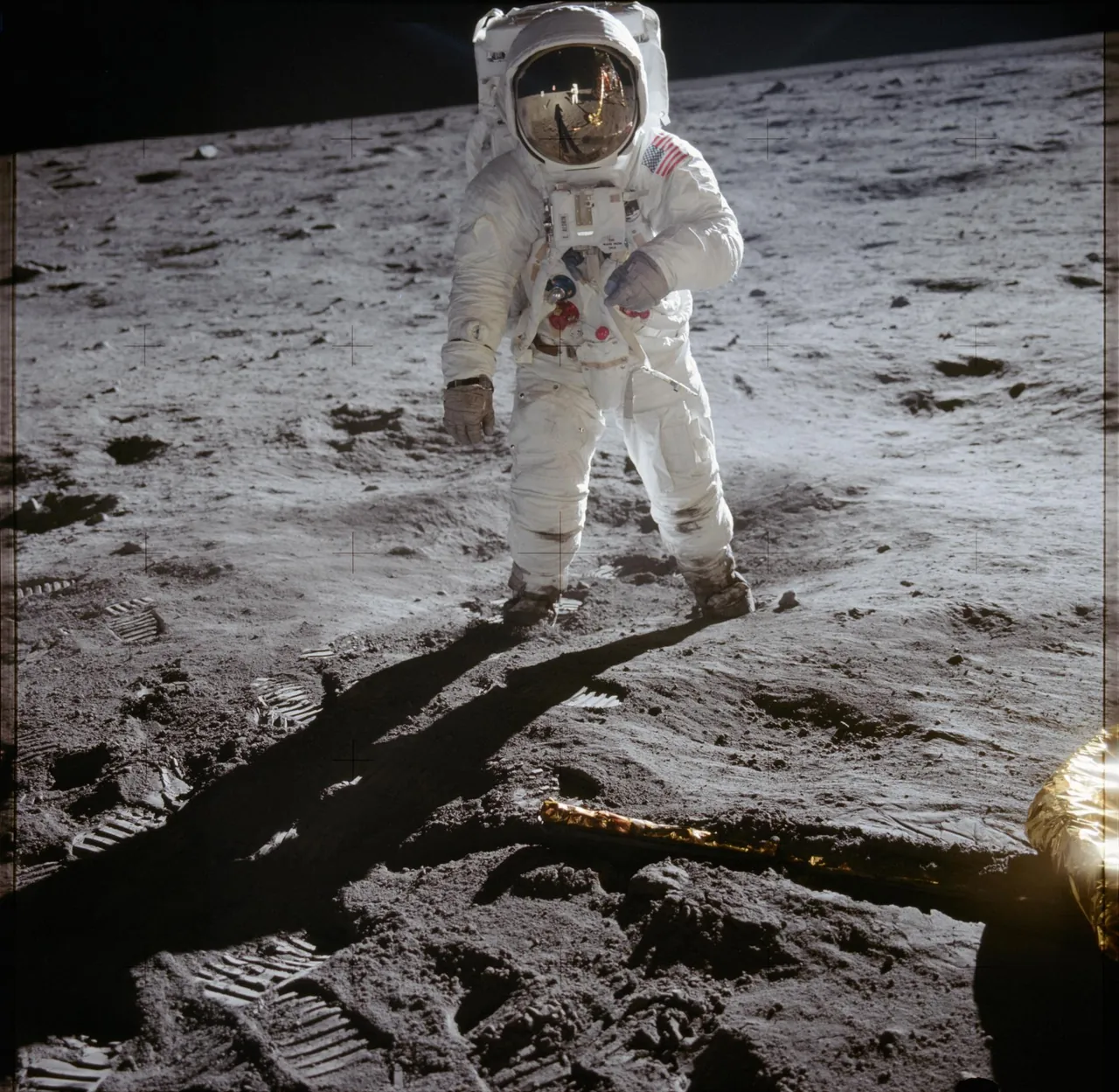
- Look at the photograph of Buzz Aldrin on the ladder. Who took it, and where was that person standing?
Grades 9–12
- Translunar injection added about 3 km/s. Using the mission times, estimate the average speed of the coast from TLI cutoff to lunar orbit insertion. Why is the average so much lower than the speed just after the burn?
- Lunar orbit insertion happened behind the Moon. Why was the burn placed there, and what did Mission Control actually know during the eight minutes of silence?
- In the landing game, the lander gets lighter as it burns fuel. What does that do to the thrust you need to hover? Check it against the throttle readout.
- The Mission Report says the low-level light meant about 116 seconds of engine time. The transcript records “60 seconds” and “30 seconds” calls. What are those calls counting down to, and who was responsible for the abort decision?
- The landing point was about four miles from the target because of errors in the onboard position estimate before descent. How could a crew check their position from inside the spacecraft?
Compare with Kitty Hawk
The wind tunnel shows lift as a product of air speed, wing area, and shape. Ask students what each term becomes on the Moon. It is a quick way to see why every part of the landing, including just standing still above the surface, costs fuel.
What is and isn't here
- All dates, times, and figures come from NASA's Apollo 11 Mission Report and the air-to-ground transcript, listed at the bottom of the chapter. The trajectory drawing is a simplified sketch tuned to the real times, and the landing is a teaching model, not a simulator.
- The only voices are NASA's recordings. There is no narration and no AI anywhere on the page: nothing a student types or does is sent anywhere or answered by a machine.
- Version 1 does not include the moonwalk, rendezvous, or re-entry as interactive parts.
- Standards mapping (NGSS physical science and C3 history) is in preparation.
Build on it
Are you an educator interested in building on our source code? We'll share it with you, free of charge. Email education@czerwonkalegal.com to chat.